.png)
How can I update the frequency of my Refills?Updated 19 days ago
Looking to get Refill shipments on YOUR schedule? Here's how:
- Log into your quip account or click here
- Click on “Manage subscriptions”
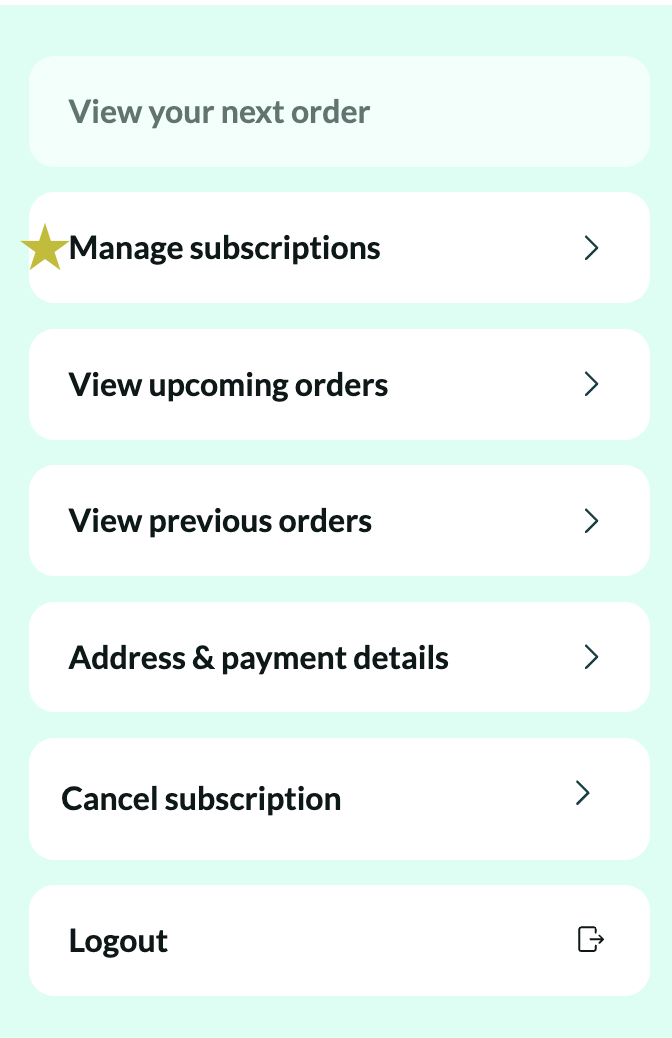
- Click "Manage this subscription" under to the Refill Plan you'd like to update
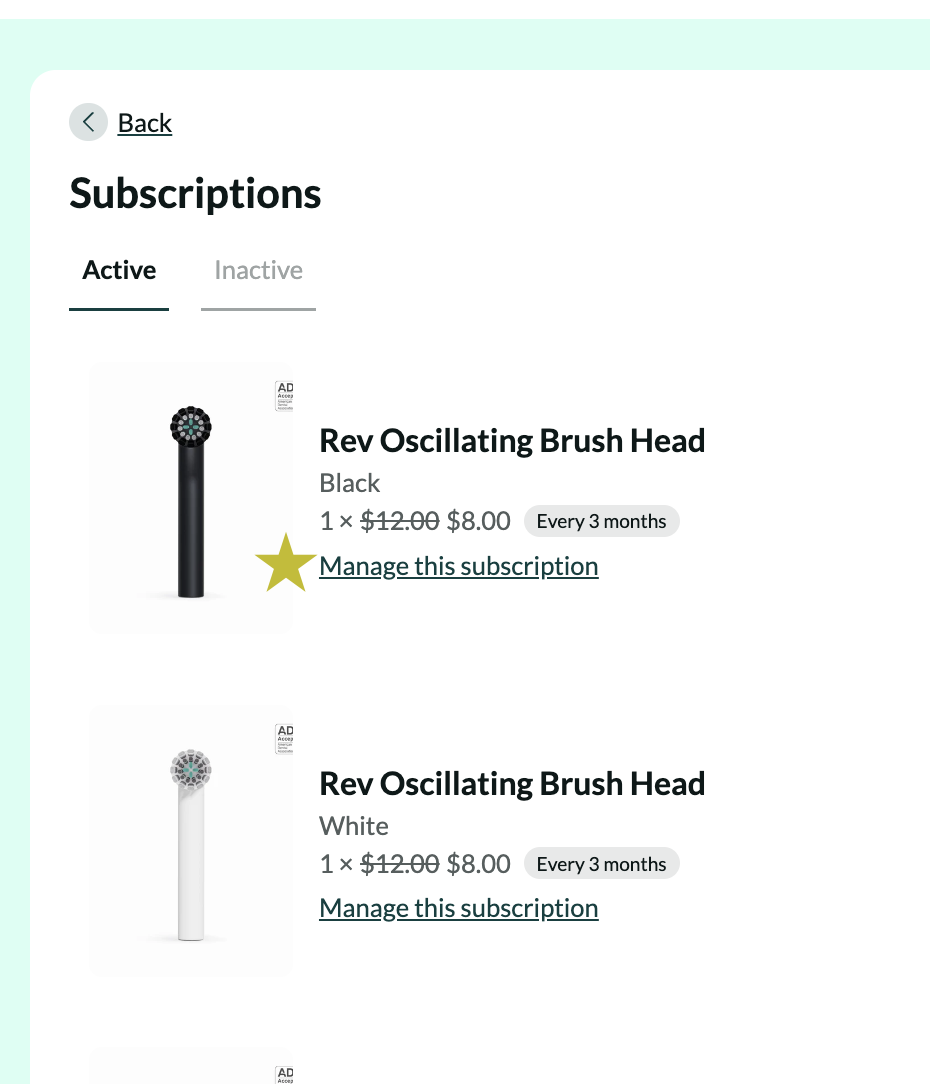
- Update to your desired frequency
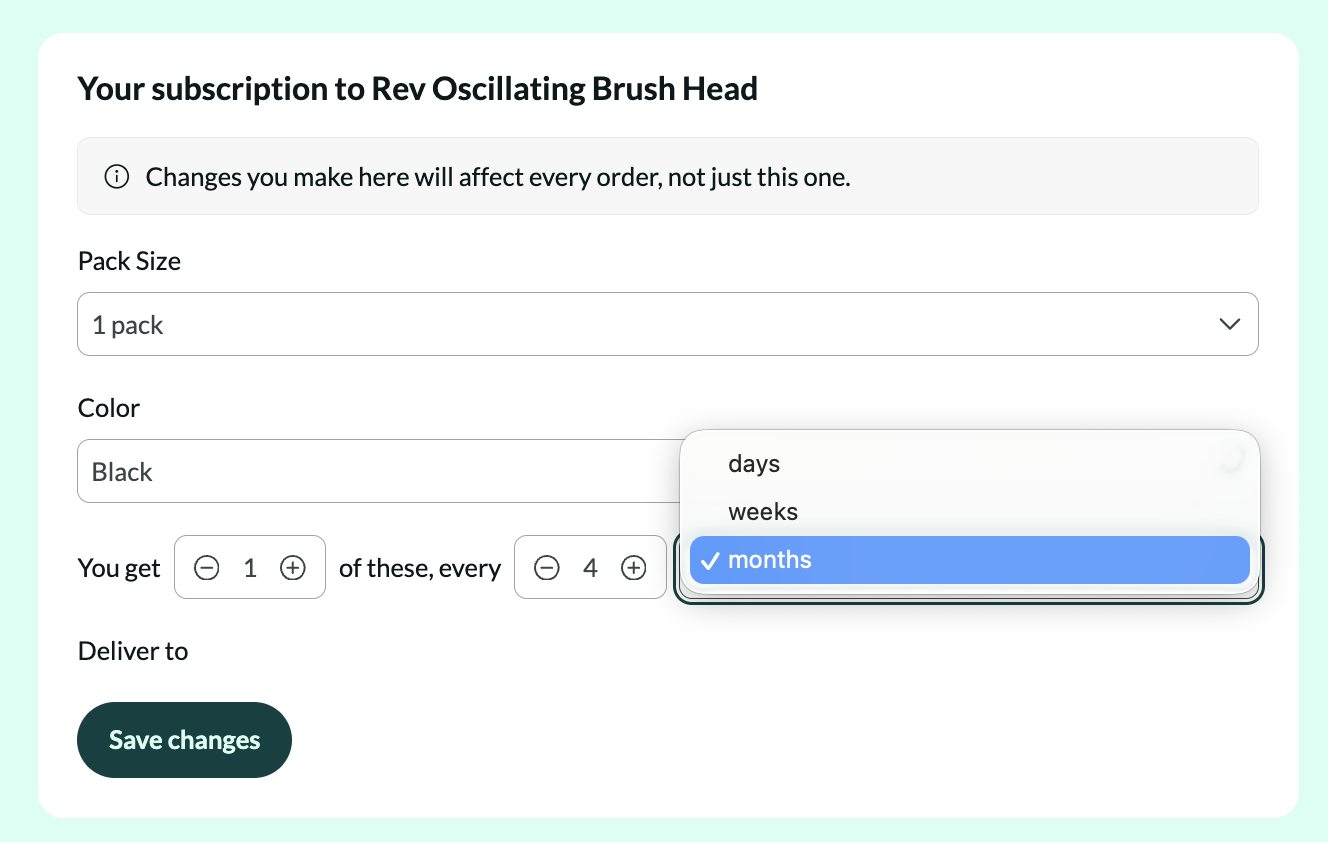
- Click “Save Changes”