.png)
quip Ultra™ Lite Sonic Toothbrush TroubleshootingUpdated 11 days ago
We’re so sorry to hear that you’re having trouble with your quip Ultra™ Lite Toothbrush. Read on for some troubleshooting tips to get back to brushing ASAP!
Trouble Charging?
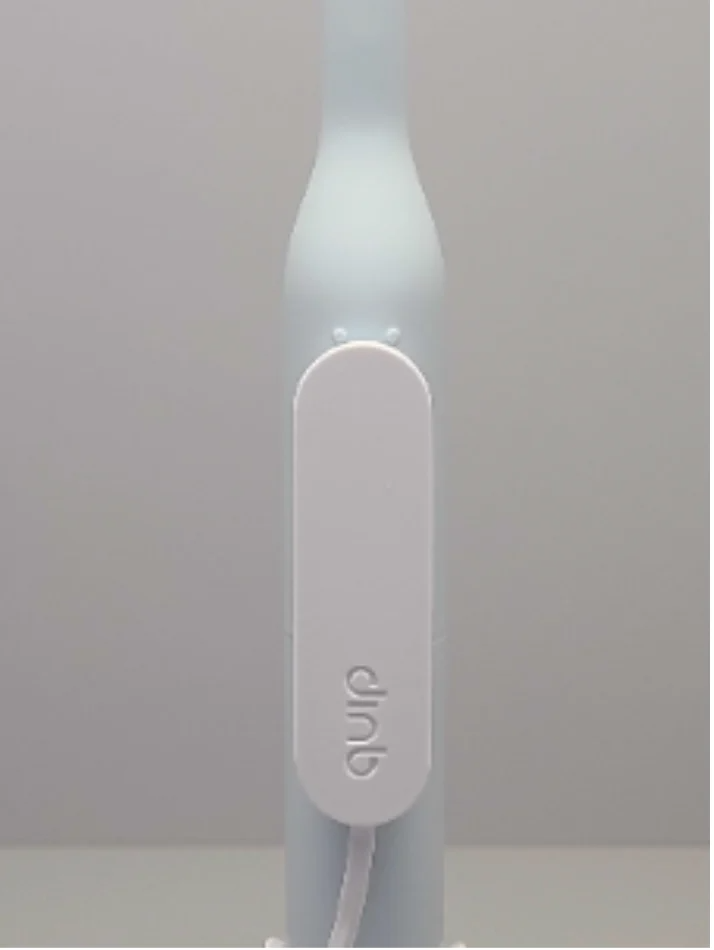 Make sure that your Charging Connector is correctly placed, just below the double dots
Check to see if your brush lights up once connected to ensure you’ve attached your charger to the right spot!
Need more help?
You can submit a warranty request directly from your quip account by visiting your “Account Dashboard” and clicking on the order number associated with your product (make sure to jot this number down for an upcoming step).
Click the green “Start a return” button, or simply click here and follow the on-screen instructions!
You can also chat with us and be prepared to provide the following info:
- A photo of your product
- Proof of original purchase
- Both of the numbers located on the back of your EasyClick pod (only visible once removed) and below the Keyhole on the inside of your toothbrush